A SaaS decision is an operating decision. Someone will configure the system, keep access appropriate, help colleagues use it and retrieve data when the arrangement changes. This section helps small teams compare that responsibility alongside features and subscription charges, before committing time or money.
Work through the choice in order
Start with how to evaluate SaaS when the team knows the problem but has no defensible shortlist. The guide uses essential access, data-exit and budget gates, then a representative demo script. Take the same requirements to each candidate and use the scorecard only after the evidence is comparable.
Read build versus buy when the shortlist question is premature. The right approach might be existing SaaS, a configured platform, custom development or an improvement to the current process. The decision matrix examines differentiation and maintenance without declaring an arbitrary overall winner.
Use total cost of ownership before treating a per-seat quote as the budget. The worked example separates supplier costs, transition and internal time, and explains the difference between a monthly equivalent and an actual billing schedule. The calculator lets you compare two scenarios with explicit exclusions.
Use the migration checklist once a change appears worthwhile. It covers the records and relationships people need, trial imports, permissions and rollback. A successful import message is not proof that the new workflow is ready or that all historical information is portable.
Keep evidence and assumptions visible
These guides favour durable evaluation methods over product rankings. A named plan, export capability or integration must be checked against current primary documentation and the plan you would actually use. General features in a sales presentation do not prove that the required data moves correctly or that a guest cannot see another client’s work.
Write down which amounts are quotes, which are estimates and which are excluded. Record a vendor claim as a claim until an appropriate observation supports it. If an essential question remains unanswered, the right result is incomplete, not a slightly lower score that still looks decisive.
A useful strategy can end with retaining the current system. A clearer handoff or a narrower process may deliver the needed outcome without migration. If the choice remains uncertain, run the two-week pilot framework around the issue most likely to change it. Use the access checklist to assign ongoing responsibility, then revisit the decision at renewal using actual evidence.
Explore the guides
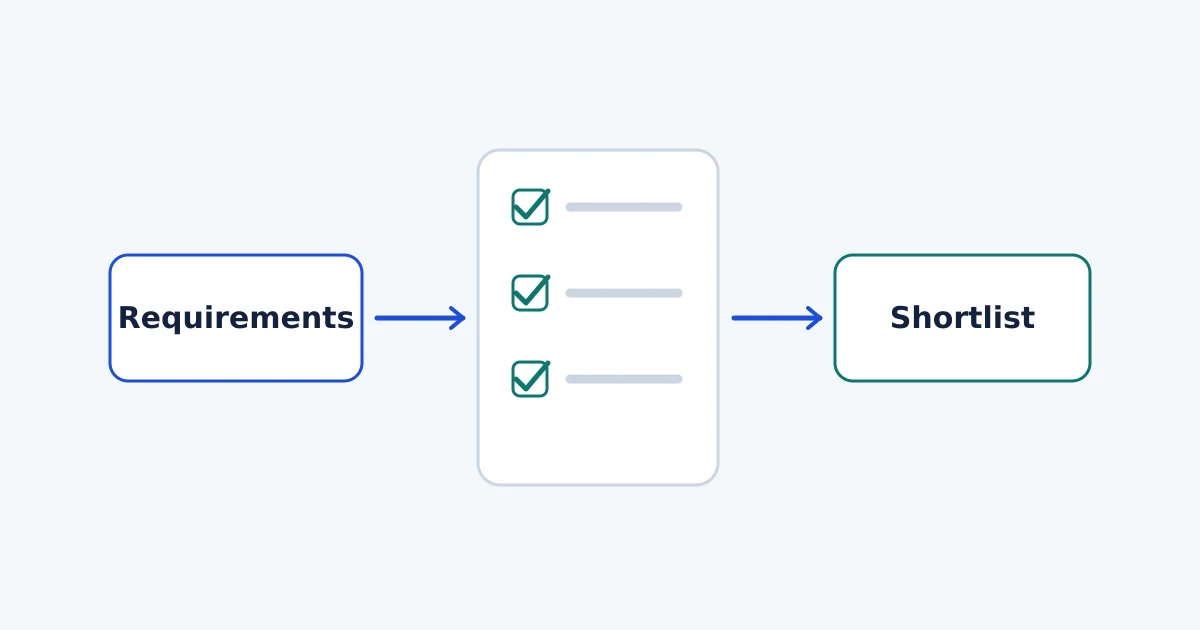
How to Evaluate SaaS for a Small Team
Evaluate SaaS against real team requirements. Use a demo checklist, essential gates, an evidence-based scorecard and a practical pilot before committing.
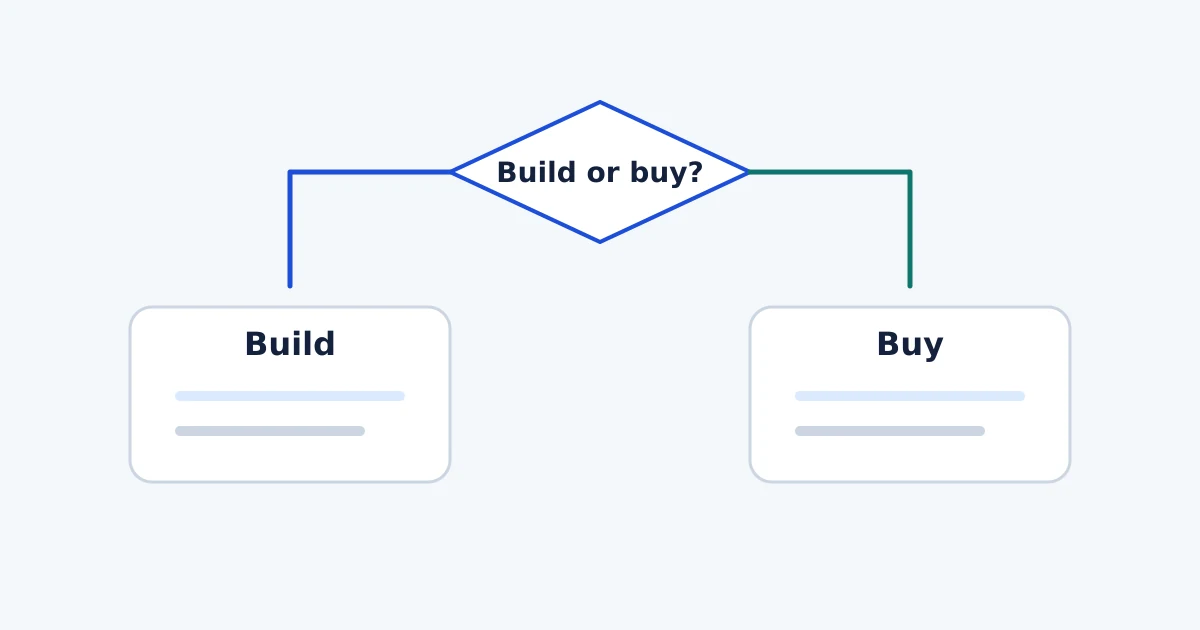
Build vs Buy Software: A Decision Framework
Compare buying SaaS, configuring no-code and building custom software. Assess workflow fit, maintenance, portability and long-term cost before deciding.
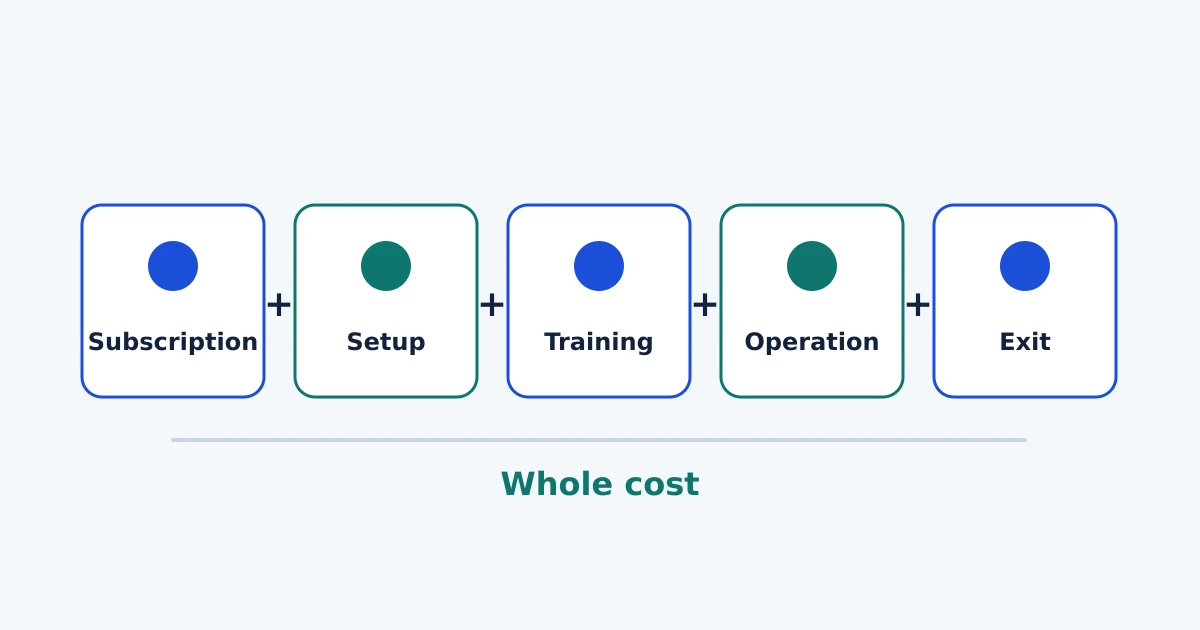
SaaS Total Cost of Ownership: What to Include
Calculate SaaS ownership costs beyond the subscription, including minimum seats, migration, training, administration, overlapping tools and exit costs.
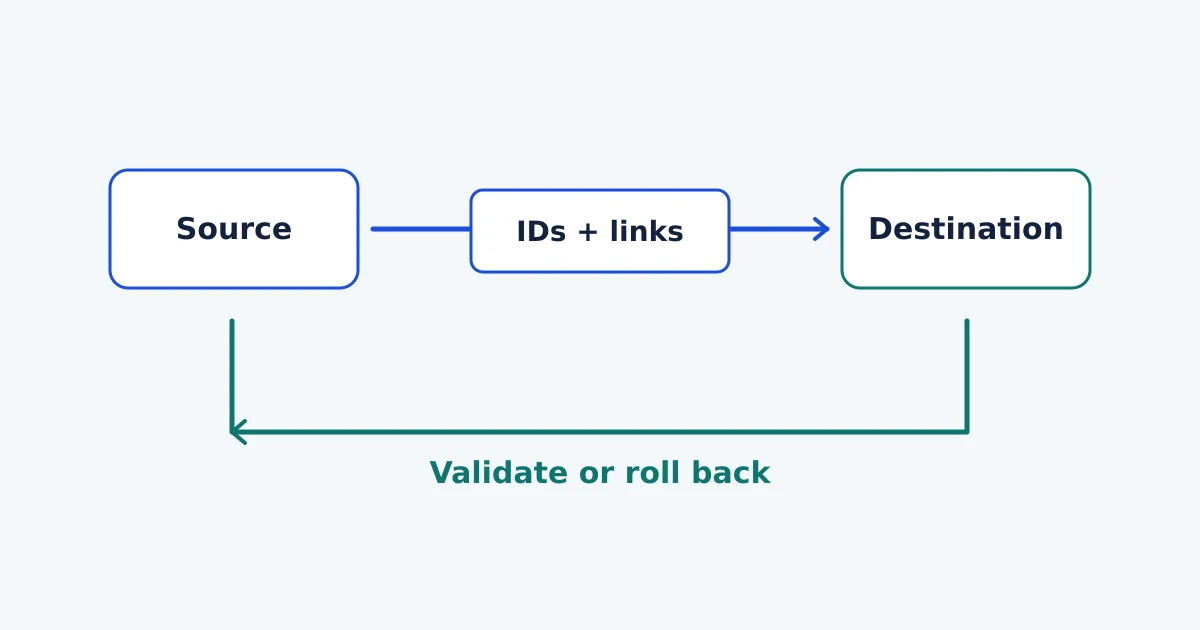
Software Migration Checklist: Data, People and Rollback
Plan a software migration with checks for data, permissions, integrations and people. Use a cutover worksheet, validation steps and a rollback plan.
ClickUp for Small Teams: Features, Costs and Limits
Assess ClickUp for small-team project work: backlog fit, plan costs, permissions, export limits and the checks that should decide your pilot.
monday Work Management for Small Teams: Fit and Limits
Assess monday work management for small-team project intake: form-to-board fit, seat bundles, guest access, approvals and export limitations.
ClickUp vs monday: Which Fits a Small Team?
Compare ClickUp and monday work management for a small team: backlog and intake fit, permissions, approvals, exports and the cost of the working setup.
Project Management Software for Small Teams: A Practical Shortlist
Build a small-team project software shortlist from ClickUp, monday, GitHub Projects, Trello and your current process, with clear fit criteria and limits.
Make vs Zapier for Project Workflows
Compare Make and Zapier for the same project-intake workflow: mapping, recovery, billing units, operating effort and when a simpler process is enough.
n8n Cloud vs Self-Hosted: Costs and Responsibility
Compare n8n Cloud and self-hosting through total costs, updates, backups, credentials, monitoring and the responsibilities your team must own.
Make vs n8n: Choosing for Project Workflows
Compare Make and n8n Cloud for the same ClickUp intake workflow, including billing units, recovery, ownership and a practical selection checklist.
n8n Review: Is Cloud Right for a Small Project Team?
Assess n8n Cloud for a small project team: Starter vs Pro costs, permissions, code limits, recovery, alternatives and practical checks before buying.
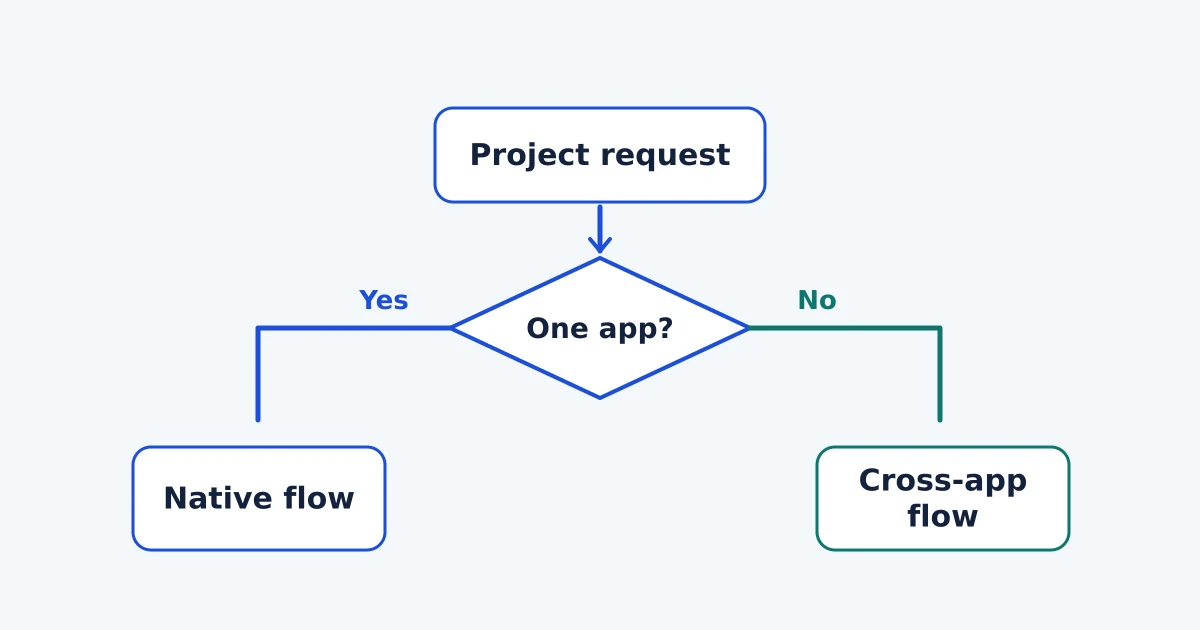
Best Workflow Automation Tools for Small Teams
Choose Make, Zapier, n8n Cloud or native ClickUp and monday automations for project handoffs, with plan limits, ownership checks and a practical pilot.