 Stuart Kerr Spindlow
Give shared software a named access owner, use individual accounts and grant each role only the permissions needed for its work. Plan recovery, integration ownership and removal before onboarding people. Access is an operating responsibility that continues after setup; a successful login is not evidence that all permissions and devices are appropriate.

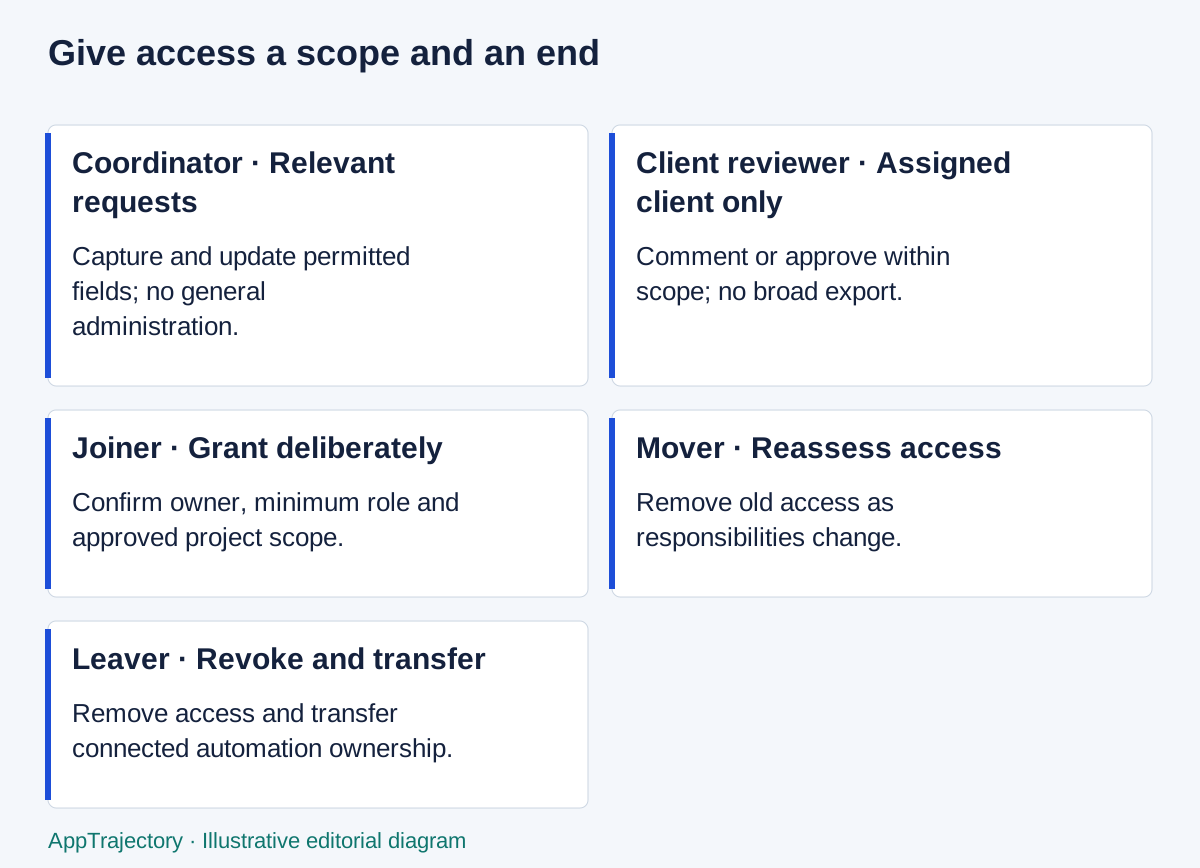
Read the diagram as text
- Coordinator · Relevant requests: Capture and update permitted fields; no general administration.
- Client reviewer · Assigned client only: Comment or approve within scope; no broad export.
- Joiner · Grant deliberately: Confirm owner, minimum role and approved project scope.
- Mover · Reassess access: Remove old access as responsibilities change.
- Leaver · Revoke and transfer: Remove access and transfer connected automation ownership.
Name the people responsible
Identify who approves access, who configures it and who checks removal. In a very small team one person may perform these tasks, but record the responsibility and arrange a backup for absence. Keep account ownership with the organisation where the service supports it, rather than relying on a departing colleague’s personal arrangement.
Start with an inventory of shared applications, their account owners and connected systems. A spreadsheet can be sufficient if it is kept in an approved place and contains no raw passwords or tokens. Do not buy another access-management tool merely to compensate for an ownership decision the team has not made.
Distinguish a requirement from a configuration assumption. “Only assigned clients may see these records” is a requirement. “The guest role probably does that” is an assumption until the responsible owner verifies it. Record vendor documentation as a claim about the product and a role test as an observation under stated conditions.
Use an access matrix
| Role | View | Change | Invite / administer | Export | Approval owner |
|---|---|---|---|---|---|
| Organisation administrator | Configuration and required operational records | Manage approved configuration | Yes, with documented responsibility | Only where required | Business owner |
| Delivery lead | Assigned team work | Assign and accept work | No general administration by default | Approved operational exports | Access owner |
| Coordinator | Relevant requests | Capture and update permitted fields | No | Only if task requires it | Delivery lead |
| Client reviewer | Own assigned client records | Comment or approve within scope | No | No broad export | Client relationship owner |
| Contractor | Named project scope | Specific assigned work | No | No by default | Project owner |
This is a proposed matrix, not a statement that every SaaS product supports these exact roles. Translate it into the candidate’s actual controls and test both permitted and prohibited actions. Include search, direct URLs, exports, notifications and linked attachments; restricting the main page alone may not establish the boundary.
Keep permissions understandable. If many exceptions are needed, investigate whether the data model or project structure is wrong. Document the exceptions and review them rather than letting a temporary fix become invisible permanent access.
Onboard with recovery in mind
- Use a named account and confirm the intended person and role.
- Enable appropriate multi-factor authentication and protect enrolment and recovery routes.
- Give the user only the projects or data needed for the agreed role.
- Confirm the approved device and any local storage or download rules.
- Show how to report an access problem and who can approve changes.
- Record integration ownership separately from the human user’s access.
- Test a representative task and an action that must be denied.
The NCSC’s corporate MFA guidance explains why an additional authentication factor helps protect online services and how organisations should plan its use. Select a method and recovery process suitable for the service and organisation. MFA complements permissions and account management; it does not replace them.
Do not share recovery codes in ordinary project messages. Follow the organisation’s approved secret-handling process and confirm who can recover an administrator account during absence. Avoid making one person the only possible recovery route.
Separate device responsibility from app permissions
Identity controls govern who authenticates. Application permissions govern what that identity may do. Endpoint protection concerns the device used to access the service. Assign responsibility for device updates, loss reporting, local downloads and removal of work data according to the actual working arrangement.
Device protection is separate from permissions inside the app. Impulsec's explanation of endpoint security and antivirus gives background for agreeing who manages the team’s devices. Related publication from the same publisher.
Do not treat an antivirus subscription or VPN as evidence that a SaaS deployment is secure or compliant. A protected device can still use an overprivileged account, and a correctly scoped account can still be accessed from an unmanaged device. Confirm the requirements with the person responsible for the organisation’s security decisions.
Make integrations somebody’s job
List tokens, service accounts, connected apps and automations, with an owner, purpose and permissions. Keep the secret itself in the approved secrets system, not in the inventory. Determine whether a connection depends on an employee account and how ownership can be transferred.
When changing a credential, identify dependent jobs and verify that they still work after the authorised change. A revoked token may stop a hidden daily export. That operational consequence is a reason to plan the change, not a reason to leave unnecessary access active indefinitely.
Remove access and its dependencies
Offboarding checklist
Confirm departure time and authorised removal owner.
Transfer records, approvals and automation ownership.
Remove application memberships and guest access.
Revoke active sessions and relevant tokens using supported controls.
Review connected apps and shared secrets the person could access.
Handle work data on devices through the approved process.
Check that direct links and integrations no longer grant unintended access.
Record completion and unresolved exceptions without storing credentials.
Inform the operational owner of any interrupted workflow.
Suspending an account, deleting it and transferring its records can have different consequences. Check the service’s documented behaviour and preserve required records before an irreversible action. Do not assume removing a project membership also revokes every connected token.
Review after changes, not only on a calendar
Choose a regular review cadence appropriate to the team, and review after departures, role changes, client changes and new integrations. Look for unused accounts, broad guest access and temporary permissions without an expiry decision. Record the owner of any remediation.
During a migration, compare the old and new access models explicitly. Feed missing controls back into the requirements checklist. The objective is a maintainable access process with evidence, not a reassuring checklist badge.
Manual access reviews versus managed controls
For a small and stable team, I would begin with named accounts, an explicit access matrix and a maintained inventory. Central identity and automated provisioning become more attractive as joiners, departures and connected applications create repeated work. They still need an owner and verification; moving an account into a directory does not prove every application session, guest share or token has been removed.
The matrix above has five roles and four action categories: view, change, administer and export. That creates twenty role/action decisions before project-specific exceptions. It is a planning count, not twenty successful security tests. Record which combinations should be allowed, which should be denied and where the service cannot express the rule.
I would favour a simpler role model over numerous individual exceptions because a backup administrator can more readily explain it. When the product cannot express an essential client boundary, choose a different arrangement instead of accepting a high overall convenience score. NCSC’s MFA guidance supports strong authentication alongside these application controls; it does not certify this proposed configuration.