Team workflows connect a software decision to everyday work. People need to know where a request belongs, who can accept a change, what happens when something fails and how access ends when a role changes. A useful workflow makes those responsibilities visible without asking the team to maintain unnecessary ceremony.
Choose the guide for the next problem
Use async project communication when decisions disappear into conversations. The guide provides an update, a decision record and a blocker escalation example. It explains when to move to a conversation and how to preserve the accepted conclusion afterwards. Your team chooses response expectations to match the consequence and working hours.
Use the software-pilot plan when a buying decision rests on assumptions. The ten-working-day example tests representative tasks, access, integrations, export, usability and cost. Its downloadable worksheet names an owner and evidence for every task, with go, no-go and inconclusive as valid outcomes.
Use the remote-team access checklist before onboarding people or connecting shared tools. The access matrix separates what different roles may see and change. Recovery, device responsibility, tokens and offboarding receive the same attention as the first login. It is an operational planning aid, not a security certification.
Use AI-assisted project planning when you want help structuring source notes without inventing requirements. Three prompts separate decisions, draft testable criteria and examine dependencies. Each requires unknowns to remain visible and a person to confirm what the team actually adopts.
Start with a routine people can sustain
The examples are deliberately small enough to adapt in an existing document or spreadsheet. A team does not need a separate application for every template. First agree the owner, the record and the response route; then assess whether the tools you already have support them. More notifications will not fix a decision nobody is authorised to make.
Keep observations separate from expectations. A completed pilot task is evidence about that task under those conditions. It does not prove a future adoption rate, eliminate every access risk or guarantee savings. Record limitations next to the result so the next decision owner can use the evidence appropriately.
If a workflow exposes a missing need, return to the requirements checklist. If it reveals too many competing changes, use backlog prioritisation. The connection matters: communication should clarify delivery, a pilot should inform a choice and access controls should serve an agreed operational boundary.
Explore the guides
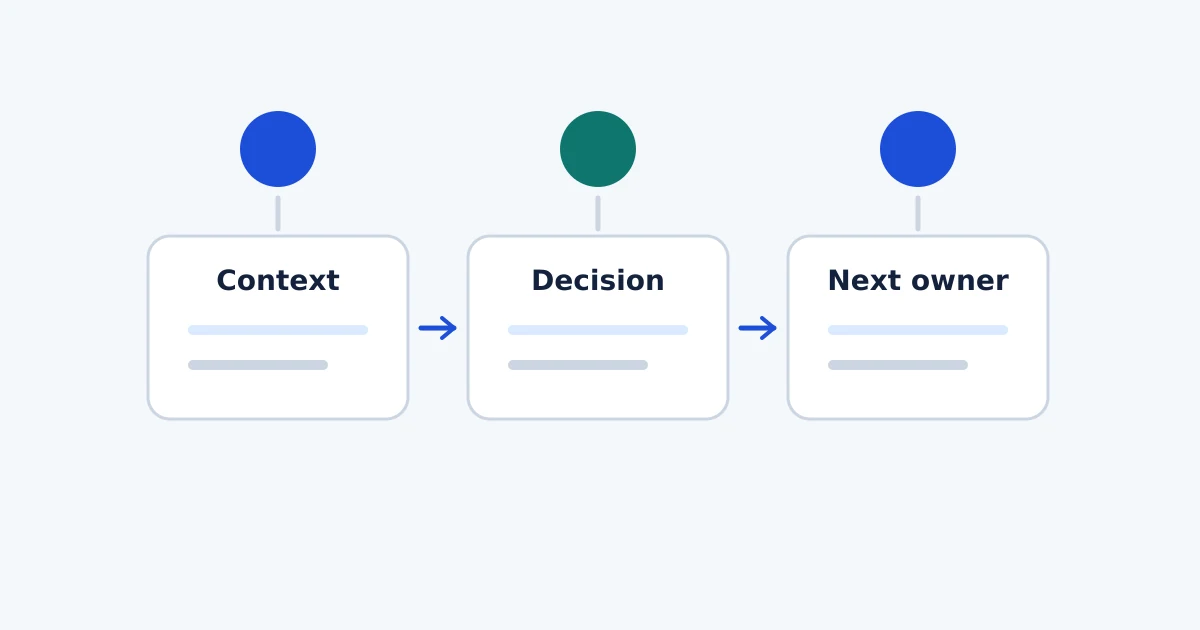
Async Project Communication: Templates and Examples
Keep project decisions clear with async updates, decision logs and escalation rules. Use practical templates that connect conversations to delivery work.
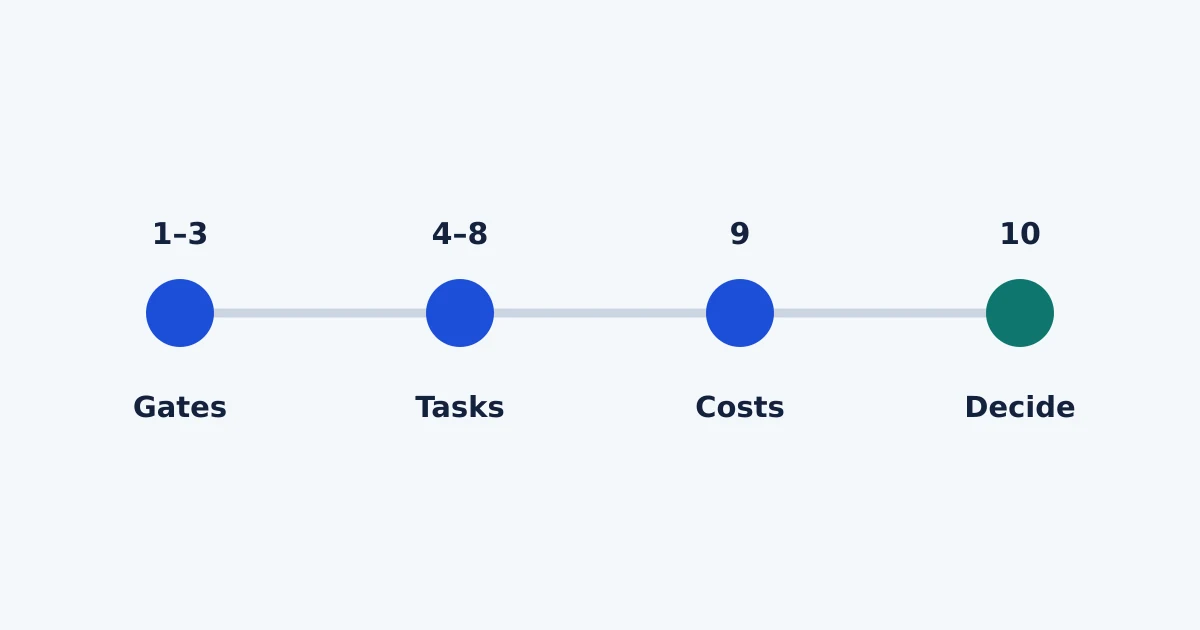
Software Pilot Plan Template: A Two-Week Evaluation
Run a structured two-week software pilot with realistic tasks, owners, evidence and go/no-go criteria. Download the checklist and adapt it to your team.
Remote Team Access Checklist for Shared Software
Plan access to shared software with an onboarding and offboarding checklist covering account owners, MFA, permissions, devices and integration tokens.
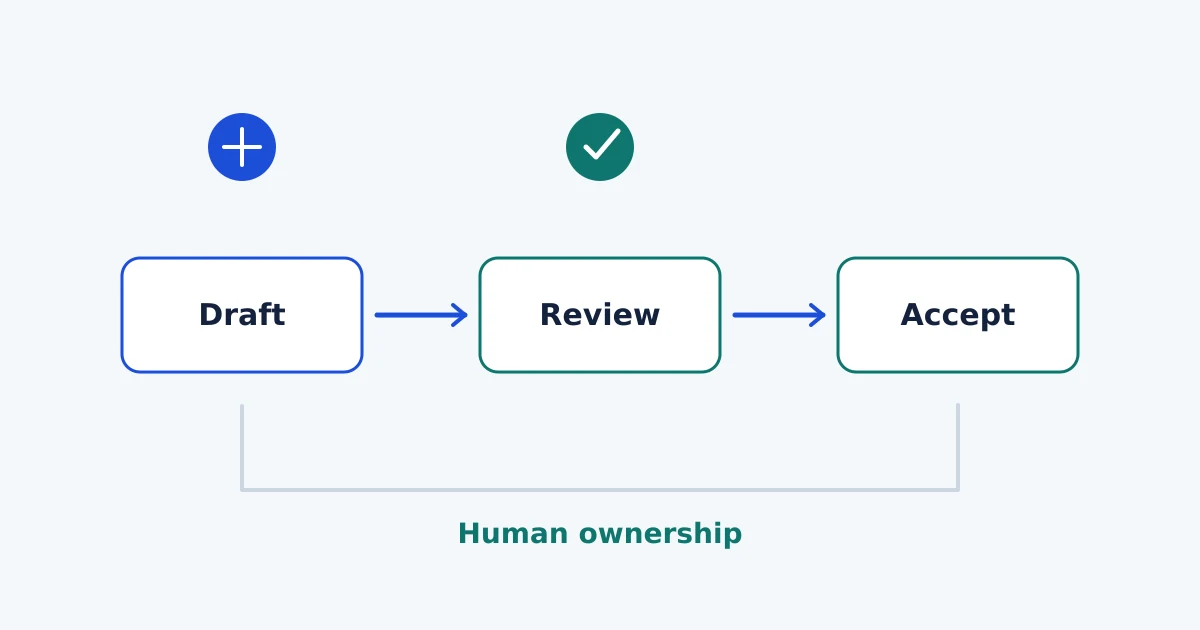
AI Project Planning: Prompts and Human Review
Use AI to organise project notes and draft acceptance criteria while keeping people responsible for requirements, evidence, estimates and final decisions.
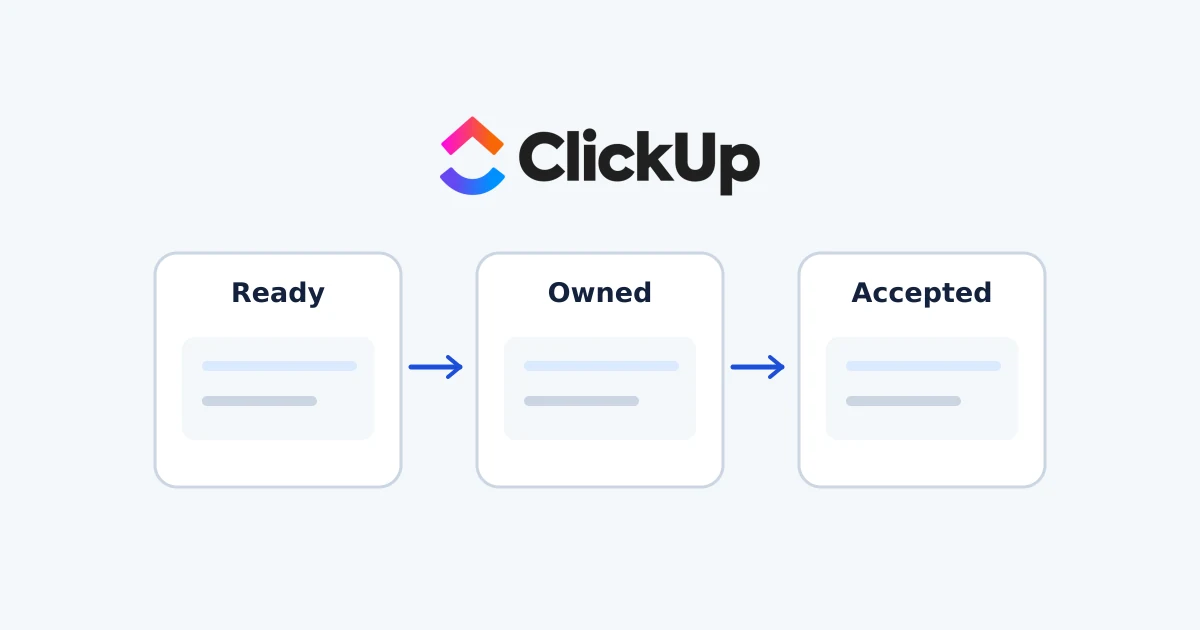
ClickUp Backlog Setup: Lists, Statuses and Stories
Set up a ClickUp backlog with five fictional stories, clear statuses and acceptance checks. Follow documented setup steps and verify access and export.
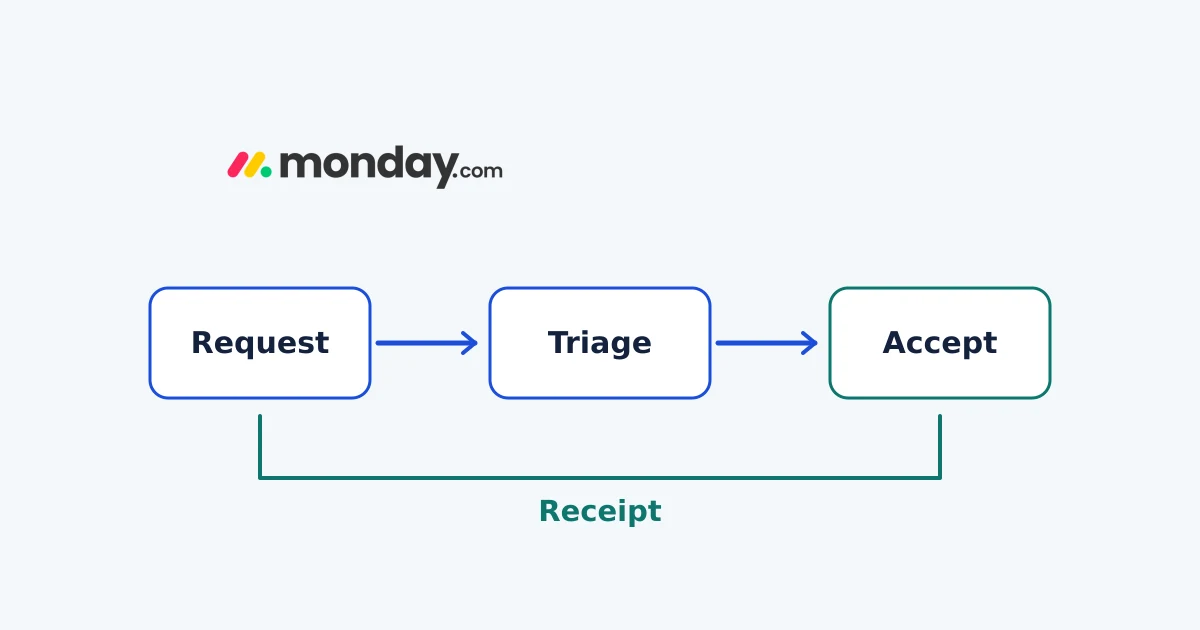
monday.com Forms: Build a Project Request Workflow
Build a monday WorkForm, map request fields and test missing or duplicate submissions. Keep triage, approval and access decisions explicit.
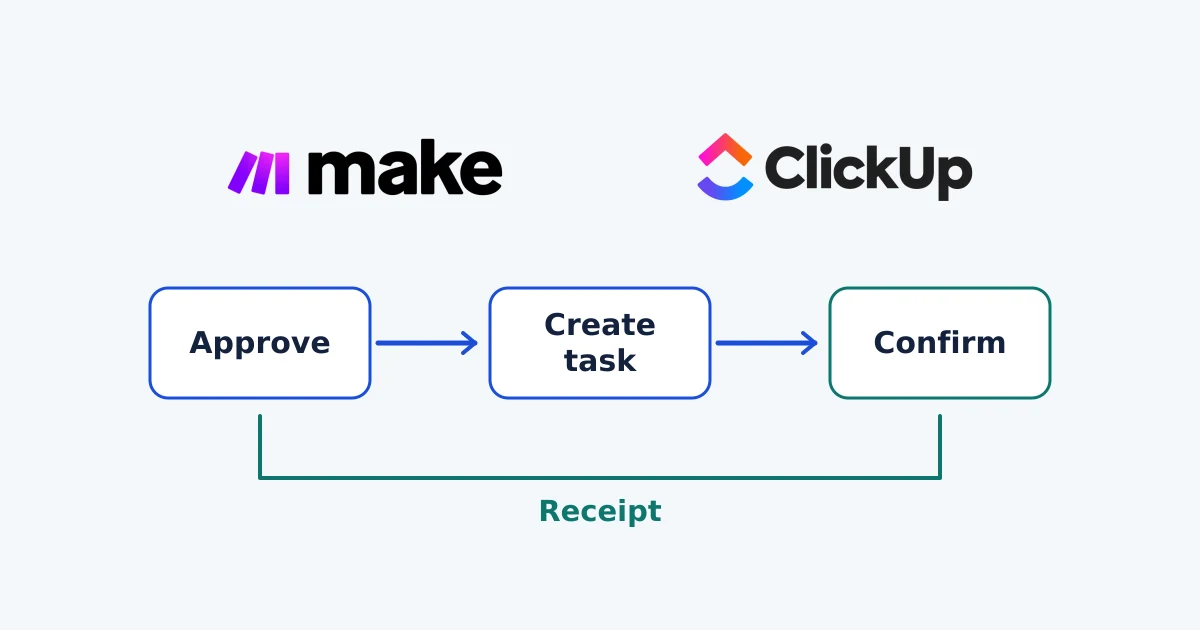
Make and ClickUp: Automate Project Intake from Google Sheets
Map approved Google Sheets requests to ClickUp with Make. Follow the setup sequence, preserve task receipts and reconcile uncertain failures before retrying.
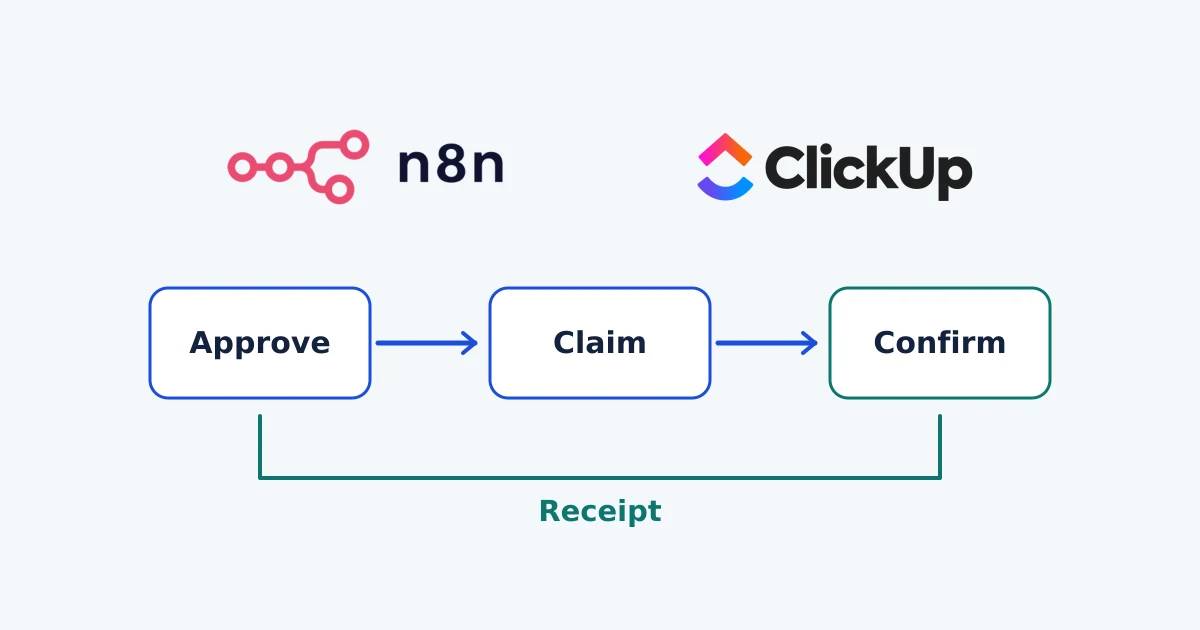
n8n ClickUp Integration: Automate Project Intake
Use n8n Cloud to turn approved Google Sheets requests into ClickUp tasks, with field mapping, duplicate checks, error recovery and ownership.