 Stuart Kerr Spindlow
Assess workflow fit before buying
I would shortlist ClickUp for a small team that needs tasks, backlog refinement and clear ownership in one project workspace. The buying decision is whether the hierarchy, permissions and exit route fit the way your team works on the plan you can afford. More configuration options are only useful when someone can keep them understandable.
I have used ClickUp hands-on. The worked examples are illustrative, and the linked product details were checked on 9 September 2026. Confirm the plan and requirements for your own team.
Use the same five Onboarding Refresh records in the current process and the candidate. The decision is whether the team can receive work, assign it, prioritise it, attach acceptance criteria, restrict access, approve a version, communicate status and preserve a usable record. A long feature list does not answer those questions.

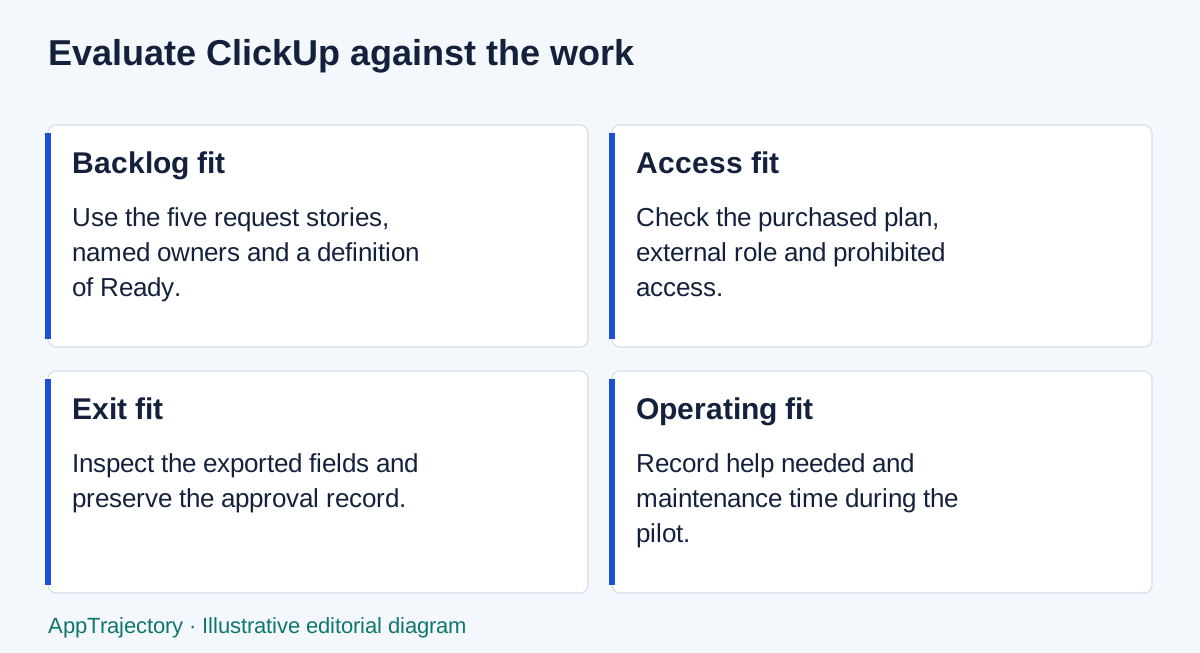
Read the diagram as text
- Backlog fit: Use the five request stories, named owners and a definition of Ready.
- Access fit: Check the purchased plan, external role and prohibited access.
- Exit fit: Inspect the exported fields and preserve the approval record.
- Operating fit: Record help needed and maintenance time during the pilot.
Selection decision: fit, limits and checks
| Decision question | Practical answer |
|---|---|
| Best fit | Task-based delivery where one person owns the backlog structure, statuses and refinement routine. |
| Poor fit | A team unwilling to maintain a configurable workspace or one whose essential access or exit needs remain unproven. |
| Essential versus optional | Gate on task ownership, required guest permissions, export content and cost; additional hierarchy is optional until it solves a stated need. |
| Before purchase | Pilot the backlog and approval record, try a prohibited guest action and reconcile exports from the intended plan and role. |
| Alternative condition | Consider monday for intake-led work, GitHub Projects for repository-linked delivery or a simpler board when configuration outweighs the benefit. |
These are editorial selection judgments based on this guide’s stated evidence and assumptions. They are not new hands-on results. Use the selection methodology and scorecard to preserve your own acceptance checks and evidence.
Where ClickUp fits
ClickUp's task-and-backlog structure is a sensible starting point for work already expressed as stories and delivery tasks. I would begin with a small shared backlog and expand only when the team can explain the benefit. The pilot should establish how much configuration and help your particular team needs.
For access, ClickUp’s guest guidance distinguishes Free Forever guest permissions from paid permission-controlled roles. Do not assume the free tier reproduces the intended client-review boundary. Record role and plan together, then test prohibited access.
Cost and exit are selection gates
On 9 September 2026 the pricing page displayed Unlimited at $7 per user/month billed yearly or $10 billed monthly. For six paid members, the annual subscription illustration is $504 USD. This excludes tax, extras and internal effort; it is not a quote or a finding that Unlimited passes your requirements.
The export overview describes task-data CSV export and separate routes for other content. Export plan details require care; the more specific limits page and the overview do not use identical wording, as explained below. Identify the route you need before pricing the plan; a lower subscription is irrelevant if the required exit route is missing.
What could change the decision
During the pilot, ask a participant unfamiliar with the setup to find a task's location, current status and next action. Note any explanation they need. Use that evidence to decide whether the structure is maintainable for your team, rather than assuming that a feature-rich workspace will organise itself.
Compare with monday work management for structured request intake, with GitHub Projects when issues and pull requests already own delivery, and with the current list when a named coordinator is enough. The recommendations below distinguish their strongest use cases rather than give an unsupported overall performance ranking.
Make a decision from your own pilot

Start with the five-item ClickUp backlog exercise, then add request, permission, approval and export checks. Use the evaluation scorecard with real notes; unknown gates stay unknown. Keep the ownership-cost model separate from commission.
My recommendation is ClickUp when the task structure makes delivery clearer and a named owner can maintain it. Keep the current process if the hierarchy creates more work than it removes. Compare monday work management when structured request intake is an equally important requirement.
My plan choice and the alternatives
I would choose ClickUp for a team whose central problem is keeping stories, ownership and delivery work together. Its flexibility is useful when a named person owns the structure; it is a drawback when every colleague invents their own statuses and locations. For form-led intake, I prefer monday’s approach; for delivery already anchored in repositories, I prefer GitHub Projects. For a compact internal board, Trello deserves consideration before buying a more configurable workspace. These are fit judgments, not measured speed rankings.
| Plan and billing | Calculation for twelve months | When I would consider it |
|---|---|---|
| Unlimited, annual billing | 6 × $7 × 12 = $504 USD | Task-based planning where its controls and export allowance suffice |
| Unlimited, monthly billing | 6 × $10 × 12 = $720 USD | The same tier when avoiding a year-long prepayment matters |
| Business, annual billing | 6 × $12 × 12 = $864 USD | A requirement such as recurring view exports justifies the higher tier |
Rates from ClickUp, checked 23 September 2026. These calculations exclude tax, chargeable guests, add-ons and internal effort. The $360 annual increase from Unlimited to Business is a plan cost, not proof of extra business value.
For recurring List or Table exports, budget for Business and verify the intended role. ClickUp’s view-specific limits table lists no view exports on Free Forever, five uses on Unlimited and unlimited uses on Business. Its import/export limits page instead describes five List, Table or Form view exports on both Free Forever and Unlimited, while the export overview describes List/Table export as Business and above. These official descriptions differ, checked on 19 October 2026. Do not rely on a Free allowance when export is essential; verify the exact view, plan and role in the pilot. Workspace task-data export is a separate route with its own permissions.
My verdict: ClickUp is the better starting choice for a maintained delivery backlog, but I would not pay for the hierarchy if a simpler board already makes the next action clear. Confirmed general use informs my perspective; no supplied task record establishes how quickly a new colleague will learn this setup.
Explore the options
Sources and scope
The sources below support the feature, price and plan details in this guide. Prices and limits may change; check the actual order and plan.