 Stuart Kerr Spindlow
How the scorecard works
Define requirements, set the weights, then assess every option against the same criteria. A blank score means not assessed. Add evidence notes for each criterion before comparing final scores. Scores of zero are valid observations and remain in the calculation. Your entries stay in this page’s memory; refreshing clears them. Downloads are generated in your browser.
Use the scale consistently: 0 = does not meet the criterion; 1 = major gaps; 2 = partial fit with substantial work; 3 = adequate with manageable compromises; 4 = strong fit with minor gaps; 5 = fully meets your defined criterion. These labels describe your assessment, not an independent product rating.


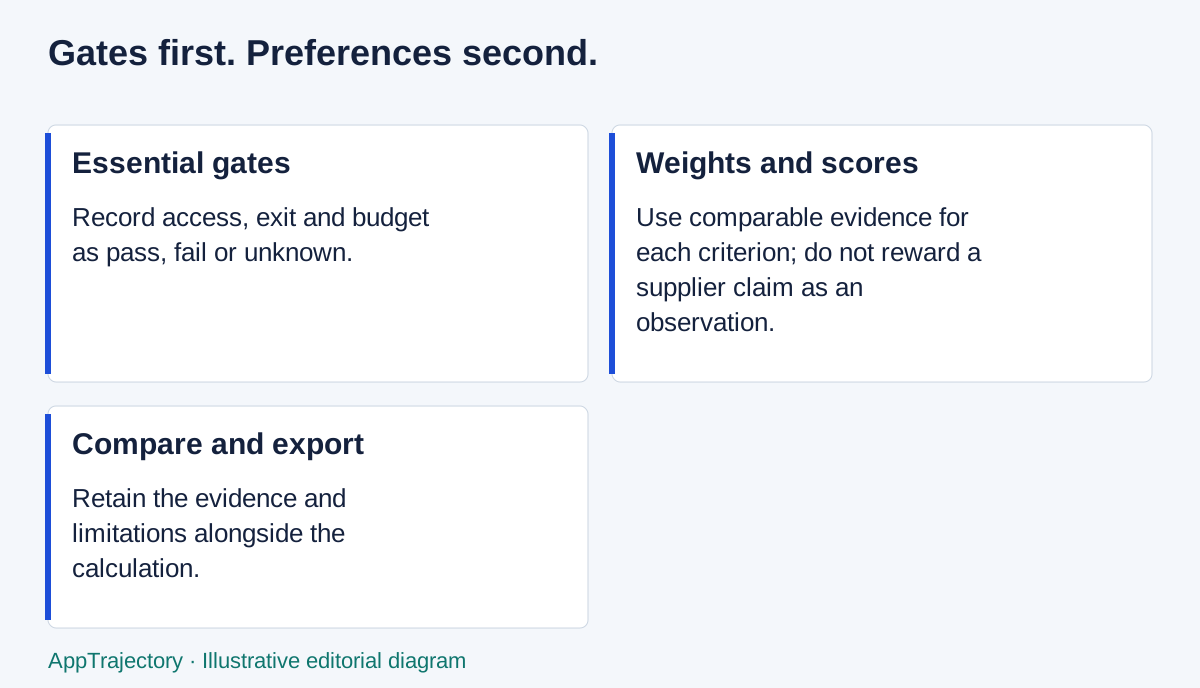
Read the diagram as text
- Essential gates: Record access, exit and budget as pass, fail or unknown.
- Weights and scores: Use comparable evidence for each criterion; do not reward a supplier claim as an observation.
- Compare and export: Retain the evidence and limitations alongside the calculation.
Formula, gates and ties
Score out of 100 = 20 × sum(weight × score) ÷ sum(weight). Weights must be finite and non-negative, with a positive total. The tool shows normalised percentages when your total differs from 100. All criteria require a score and evidence note, including a zero-weight criterion, so each candidate has the same completion standard.
Access/security requirements, workable data exit and budget fit are separate essential gates. Fail blocks shortlisting; unknown leaves it unready. Only a complete assessment with every gate passed can be labelled ready to shortlist. This is not security certification. Exact equal scores are shown as ties; the tool does not declare an objectively best product.
An illustrative calculation
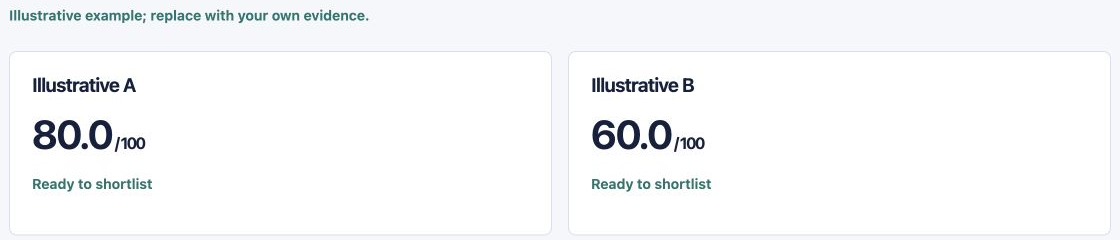
With default weights 25, 20, 15, 15, 15 and 10, scores of 5, 4, 3, 4, 4 and 3 give a weighted sum of 400. Multiplying by 20 and dividing by 100 produces 80 out of 100. Every score at 5 produces 100; every score at 3 produces 60. A failed gate blocks the readiness label in all three cases.
The sample button fills invented option names, notes and gates for learning how the tool behaves. Replace these with your own observations before using the comparison. Use the SaaS evaluation guide for evidence gathering and a pilot when an essential question remains unanswered. Without JavaScript, apply the formula to the same completed criteria in a spreadsheet.